Ah, I was not aware of that. So I am glad I asked, thanks.
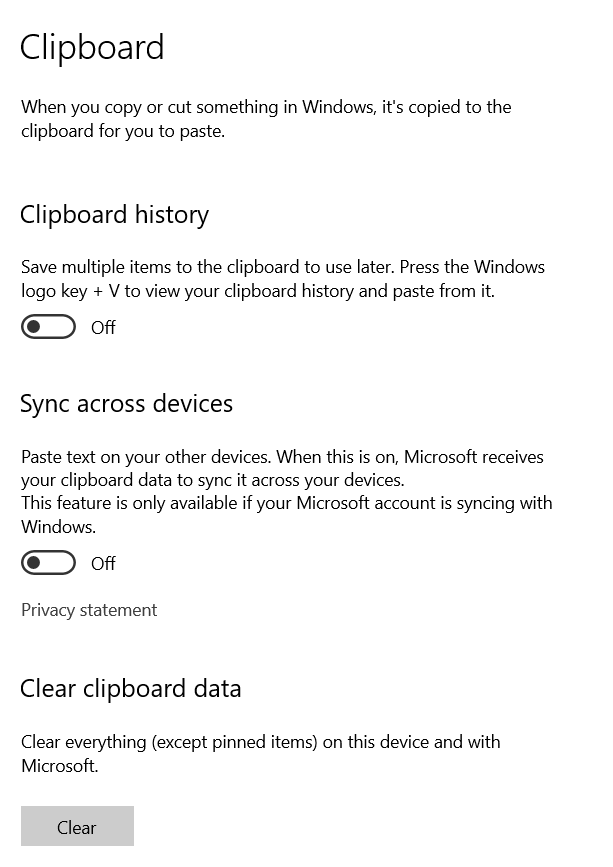
When you say “clipboard,” I assume you mean my Windows 10 clipboard, right? (I couldn’t find one on Chrome.) If that is the case, below are my Windows clipboard settings. When I hit the Windows button + V, a pop-up said “Can’t show history.”
I did not hit the “Clear” button, but I will if you advise.
I also copied and pasted the password into a Word doc and printed it out (but did not save the Word doc.)
In any case, if the PW is left on the clipboard and someone gets it, does it do them any good? Since they don’t have the file itself, and they don’t know what that PW is for.
So, am I probably ok, or do you advise to create another encrypted export file by manually typing in the passwords?
No big deal to do so, if you advise. I’ll simply destroy that USB drive and start over on a new drive, without copying PWs.
Any additional clarification or guidance is appreciated.
Thanks again.