I was looking at enabling Passkey authentication for my organization and came across this article:
It lists a ton of different hardware and software Passkey providers, but it seems like Bitwarden is not listed there. How come? Would be nice if it was compatible so that folks could use Bitwarden as their passkey provider.
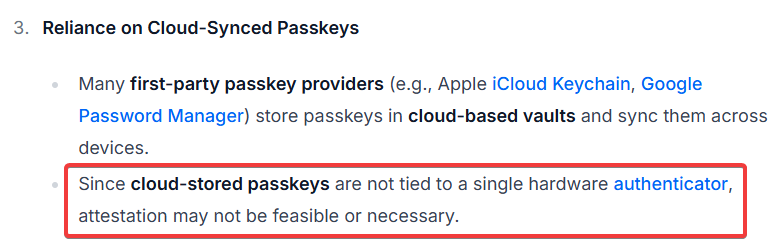
“Hardware” vs “software” really is not the defining characteristic. More relevant is if the passkey is device-bound or is syncable. Bitwarden is by its very nature a “syncable” passkey provider. I suspect that the listed Android and iOS apps use technologies (e.g. the local TPM) to device-bind the passkey.
As much as I would like to see Bitwarden make that list, I currently see three roadblocks:
Microsoft, today, only supports device-bound passkeys, although they have plans to support syncable.
The Fido Alliance, today only supports (pg 7, 1st paragraph) attestation for device-bound Passkeys, although they (AFAIK) plan to expand support.
Bitwarden today does not properly support user-verification, which likely would preclude them from achieving any attestation.
Apparently, with the October update, they have introduced syncable passkeys via third-party providers, currently 1Password. Maybe it’s on the horizon for Bitwarden as well.
The Verge article stating “soon” is from Oct 2024, just about a year ago. The MS link OP had is from a month ago reporting “plans to”. This year’s ignite is about a month out. Maybe the timeline will graduate to “just around the corner”.
As part of this update in November 2025, if Enforce attestation is disabled, we will start accepting security key or passkey providers using the following attestation statements:
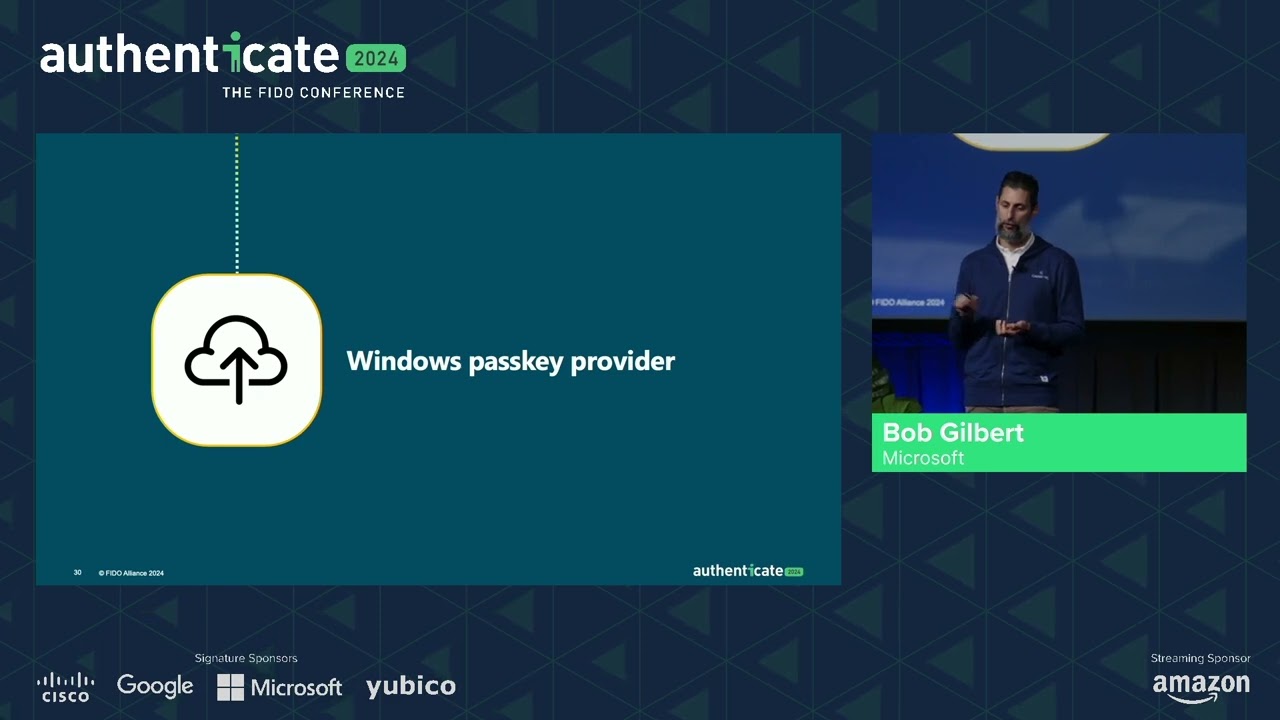
Very interesting video. Thank you for sharing it. From what I understood towards the end of the Q&A, a user will have a choice whether a passkey is device-bound or synced. I had the impression that a site makes that decision, not the user.
But ultimately, this is about consumer Windows, not Entra.
A site / relying party can restrict it… but when it’s not restricted, you can decide if you e.g. want to store it in Bitwarden (and thereby make it a syncable passkey) or store it on your physical security key (and thereby make it a device-bound passkey).

 It seems like you didn’t actually look at the list.