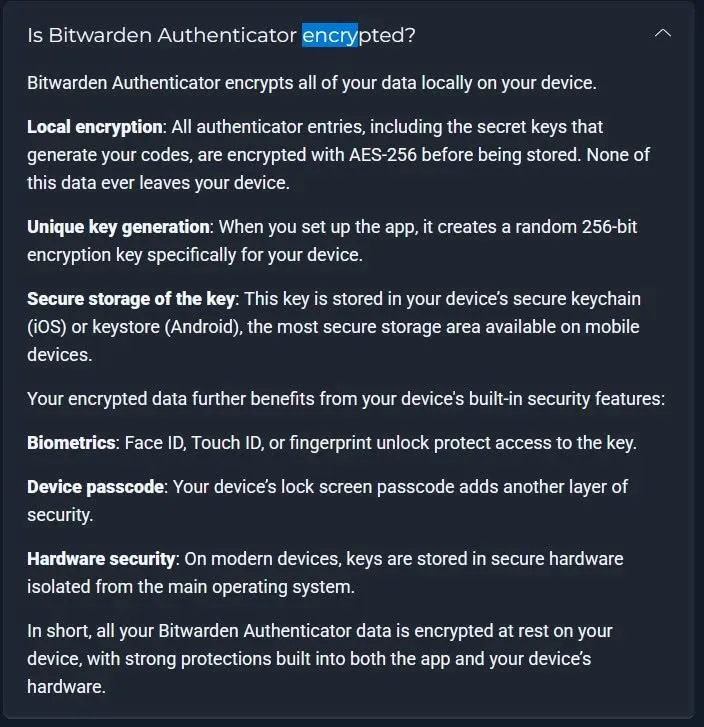
So, e.g. a biometrics or PIN/password option (I think as other authenticator apps implement it) or even a “passkey” option to encrypt the locally stored data of the authenticator app would make sense.
Some thoughts to the (not yet implemented) sync option of the authenticator app:
When the syncing function between authenticator app and Bitwarden account/vault will arrive, I honestly can’t imagine, that this data will then also be unencrypted…
However, when you use the authenticator app without the sync-function (in the future), the data probably should also be locally “encryptable” on the device.
Apparently, as of now, Authenticator is being advertised as storing data locally encrypted, although the FAQ still contains the conflicting information as posted in this feature request. I don’t know which one is right.
Nail1684, thank you for linking this new thread to me. I will be following along and watching the affirmation or progress. I don’t use MAC but only linux and Android but where relevant I will continue to watch.
In the meantime I KNOW that the TOTP codes that come from my Yubikeys are safe and device encrypted with a brutal password to unlock should the Yubi fall into the wrong hands. My local linux keyring opens the Yubi’s automatically saving me time but until I unlock the keystore it is locked down. Fundamentally I am old school and have TOTP in conjuction with BW passwords on different devices is just how my life has been. I don’t want to be the “old dog” refusing to learn a new trick though. Wathcing!!!