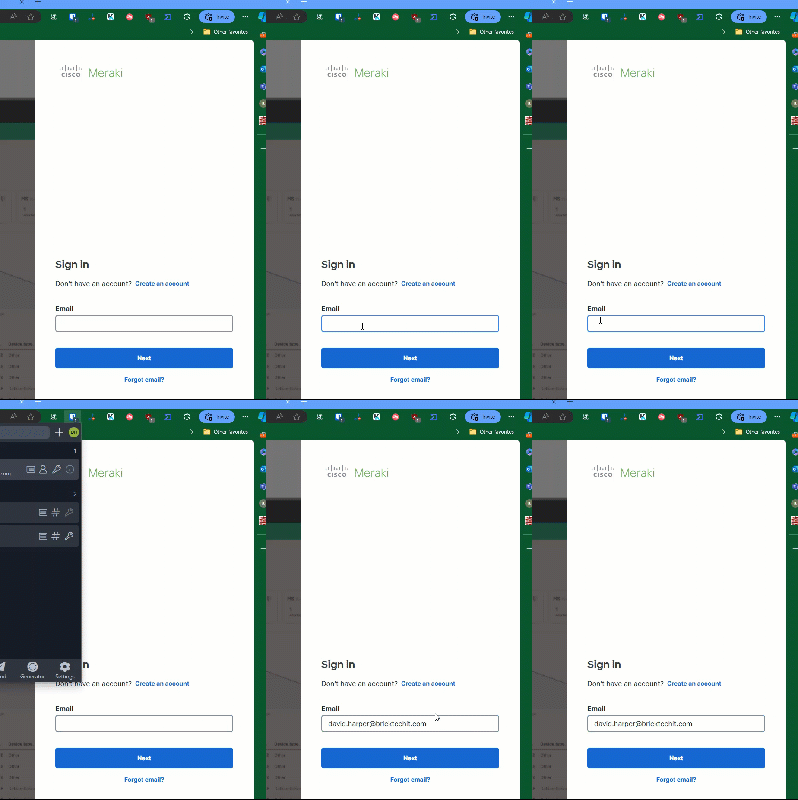
I had everything working on my desktop and then I moved to a new office and then I tried to log in with the desktop and the Bitwarden extension is not letting me use the In-line tool or even letting me type a username or password at all. I have to turn off the extension for the webpage just to get it to type. Before I turn it off, I am able to fill the password from the icon in the browser extensions area but I am unable to type anything in any sort of username or password field.
I have tried to remove the extension but it doesn’t help. It does work on the same PC in Firefox.
This kinda shows how I am not able to type when the extension is on.
with the workaround of either turning off the scribe extension or BW’s inline autofill. With the inline autofill off, the usual Ctrl+Shift+L will still shift through the credential(s) for the website.