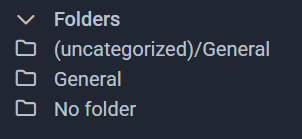
Over time I have created passwords and somehow, they have fallen into three different folders. Is there a way to move these all into (uncatergorized)/General folder?
@cpupro Welcome to the forum!
One easy way:
-
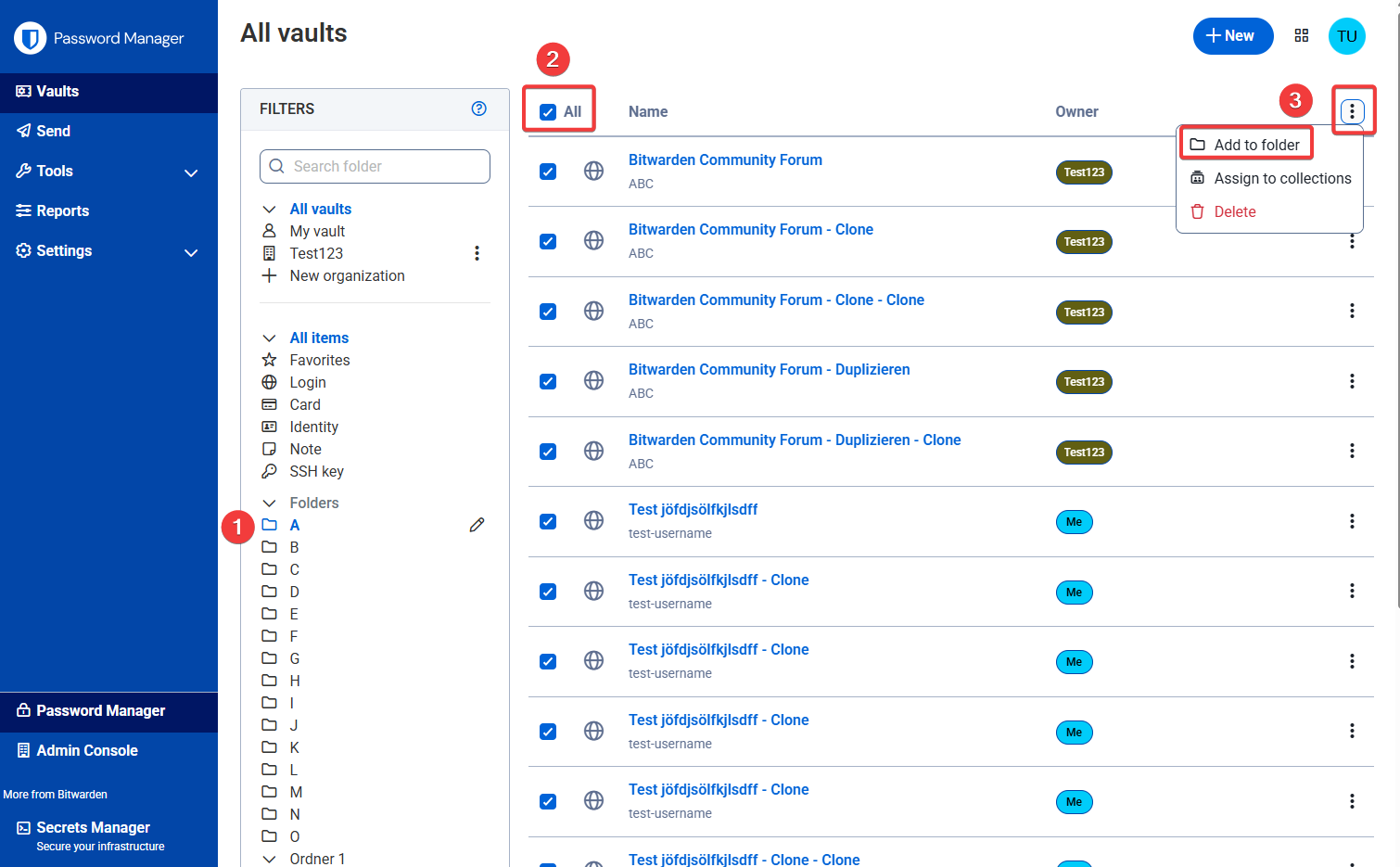
in the web vault, go to e.g. your folder “General”
-
choose all items of that folder
-
click the top three-dot-menu on the right and choose “Add to folder” (and there, choose your destination folder).
Like this:
PS: It might work also for the “All items” list, and choosing all items directly.
1 Like
Great, took care of everything with a little messing around. Couldn’t delete the “No Folder” so I moved everything from the other folders into that one. I was missing the “three-dot-menu” above the line where it was stated “Add to folder”.
Thanks for laying this out for me.
1 Like
“No Folder” is not strictly a folder, it is simply a handle for filtering the vault view by items that have not been assigned to any folder.