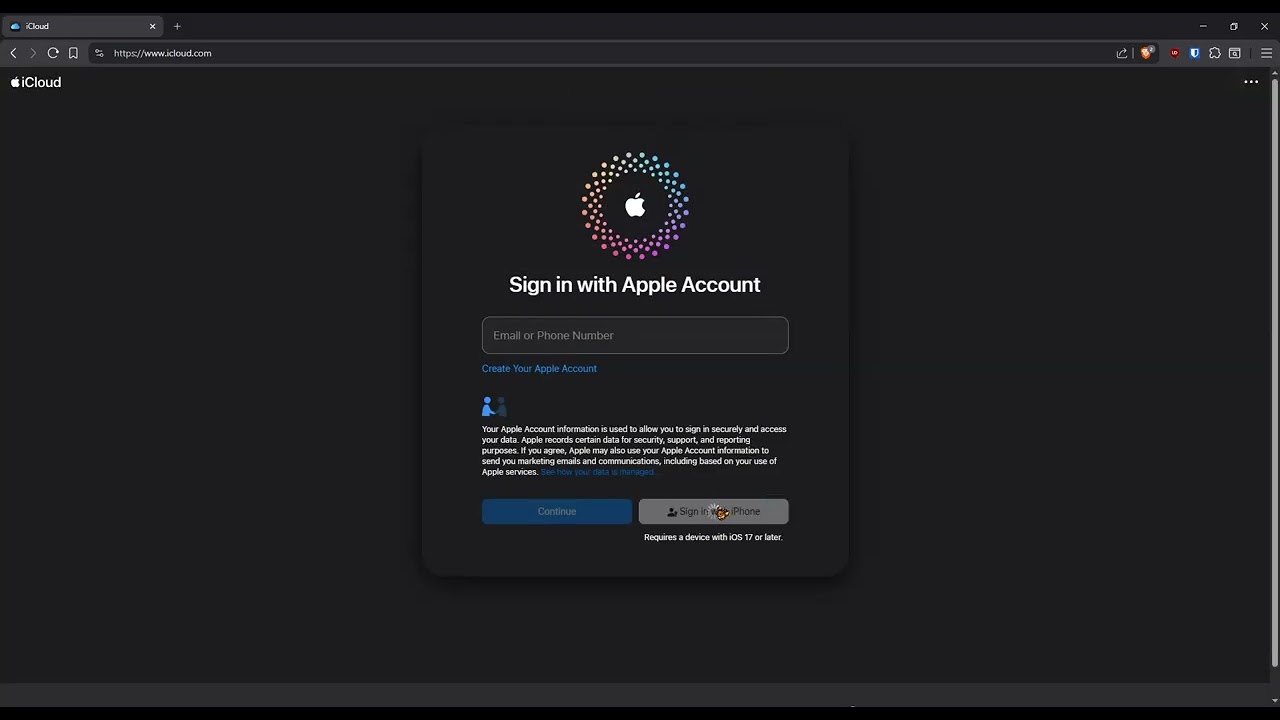
Bitwarden in Brave seems to not be respecting my domain exclusion for iCloud.com. Every single time I click “Sign In with iPhone” which is Apple’s passkey sign-in option, the Bitwarden extension is always jumping in, no matter how many times I click to always use a hardware key or other device, no matter if I add iCloud manually, nothing works.
In addition, whenever I restart the browser, the exclusion list is suddenly empty, and iCloud.com is no longer in the exclusion list.
My google accounts are requiring Device Bound Passkeys - and saving passkeys to my android / ios phone / tablet. The passkeys are needed to save within the Google Chrome store, and interact with Google servers when logging into Google Workspace from my windows laptop.
Note the Google requests are tied to the passkeys related to enabling advanced security and “DBSC Device Bound Session Credentials”…
The problem 'I’m having is I keep selecting the option for Bitwarden to ignore passkeys for this site - so that I don’t need to click past the bitwarden dialogue box. However, no matter how many times I click this “always for this site” to ignore passkey requests – Bitwarden still intercepts the passkey request.
Not only google, but for other sites, I had to save passkeys to Windows Hello for other sites, and Bitwarden continues to try to provide the passkey for those sites too, no matter how many times I select for Bitwarden to ignore.
@roaringlambs I’ve moved your post into this thread which is about the same issue, I think. See above for the corresponding bug report on GitHub (and add your details there if you can).