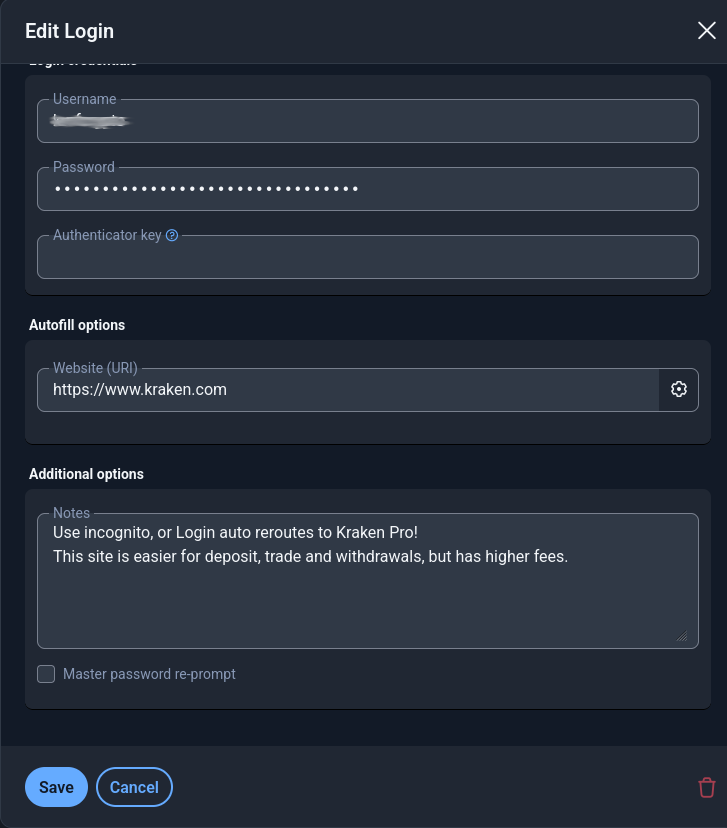
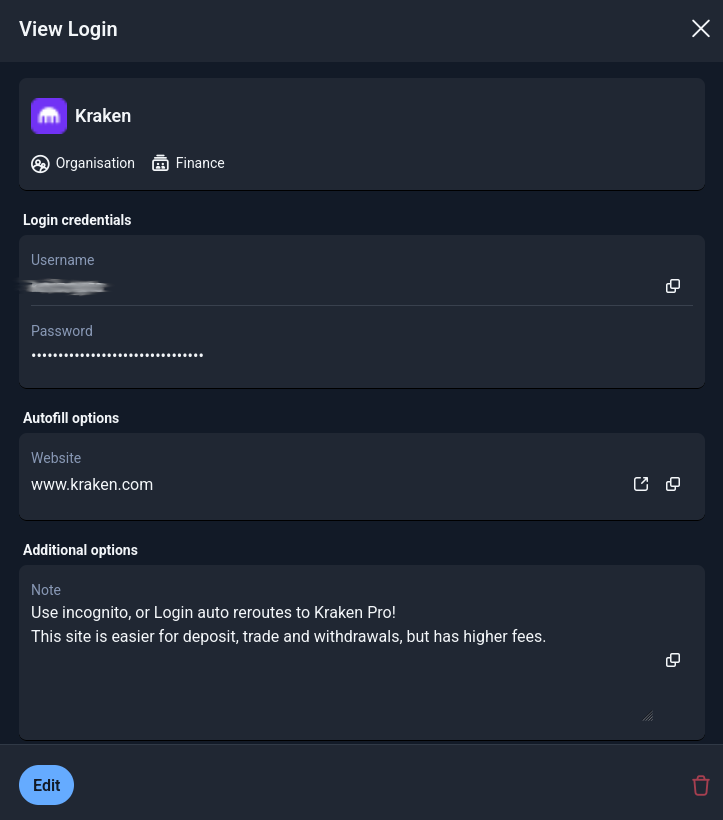
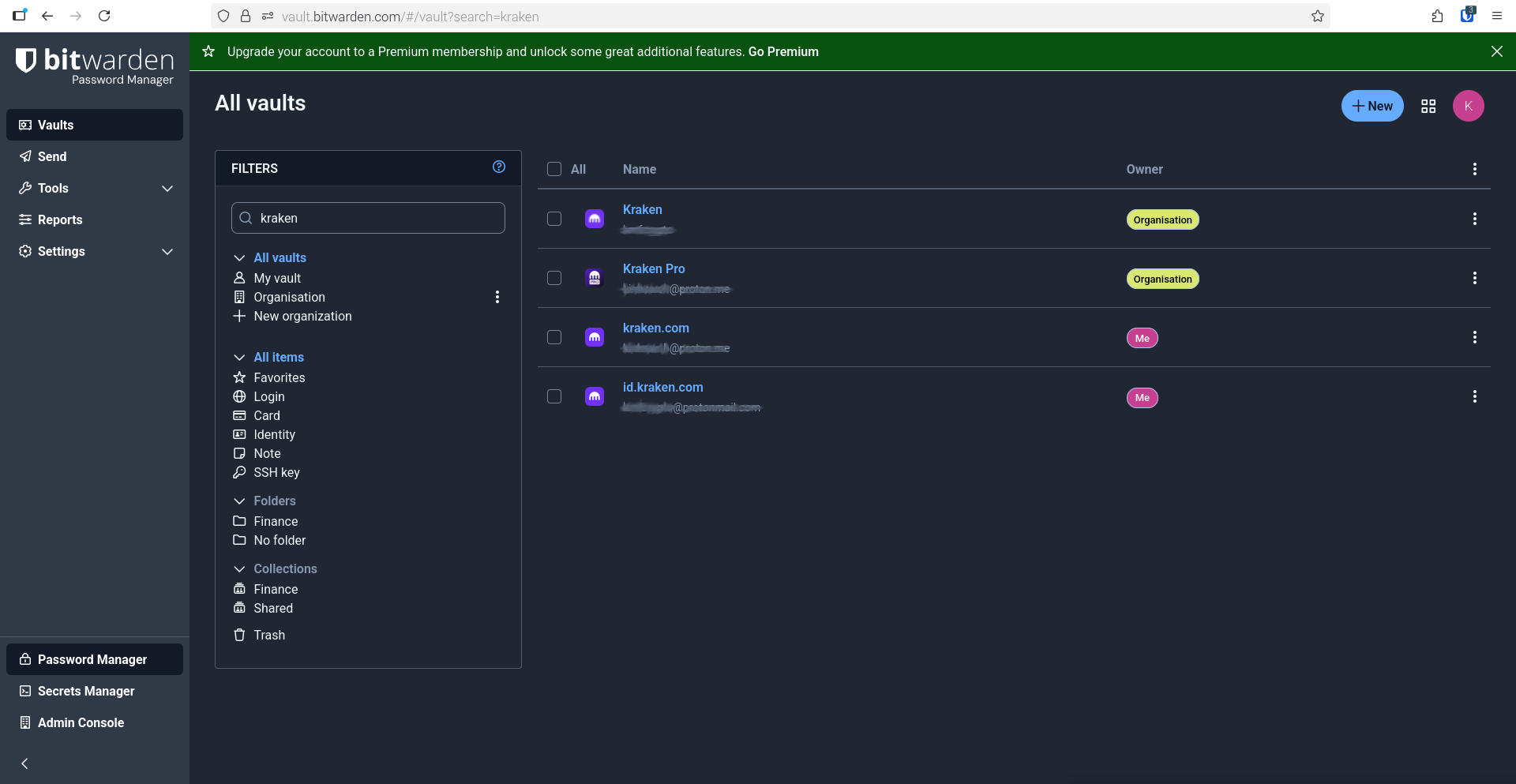
In your second screenshot I see that it is an organizational item. Do you have edit or manage permissions with the account you are now trying to delete the item?
I’m just a standard simple user with a Bitwarden account. I would assume I have access to all the accounts, passkeys, passphrases and a few occasional passwords?
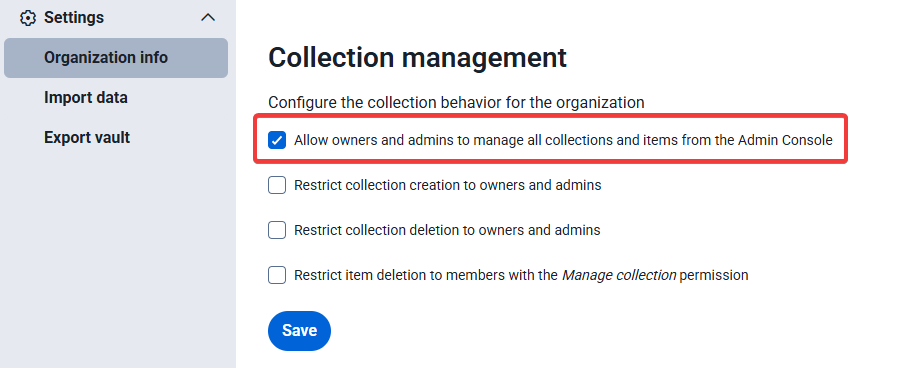
If that should be the case, got to Settings (in the Admin Console) and “Organization info” and you can get back control as the owner with this setting:
In the Admin Console, go to Settings > Organization Info, and look in the “Collection Management section”: Have you enabled (checked) or disabled (unchecked) the option “Restrict item deletion to members with the Manage collection permission”?
Restrict item deletion to members with the Manage collection permission is disabled (unchecked).
I’m still working on the deletion. The options are:
View items, hidden passwords
View items
Edit items, hidden passwords
Edit items
Manage collection
Should there be an option: View items and hidden passwords, edit items ?
Another challenge that may warrant mentioning:
Desktop → Browser Firefox → Bitwarden Web vault → Log in to Bitwarden → Email address (required) → mouse click so cursor appears in blank field → Unlock your account to view autofill suggestions (I ignore this Bitwarden prompt as this is my main secret password and the Bitwarden icon shows as locked, meaning Bitwarden needs me to login with my main password) → I type the letter k → drop down menu of email choices → keyboard down arrow then Enter usually used, however Bitwarden overrides with a new prompt: Unlock your account to view autofill suggestions → to work around this prompt,I type k and then mouse click the drop down menu’s preferred email account → type in main password → enter MFA Verification code.
Bitwarden has chosen confusing wording for their “hidden passwords” option. When you see “hidden passwords”, it means “except for passwords and other hidden data”.
The option that you want is “Edit items”. With the “Edit items” permission, you should be able to view all item data (including passwords and other hidden fields), modify the data, and delete or add items to the collection.


 (–> but just “Edit items” or “Manage collection”)