Dear community,
I am generally a fan of Bitwarden but so far, I have not found a way that automatically saves the used single-sign-on service (Google etc) that has been used to sign up for a specific service.
1Password automatically suggests to save it after using a SSO service.
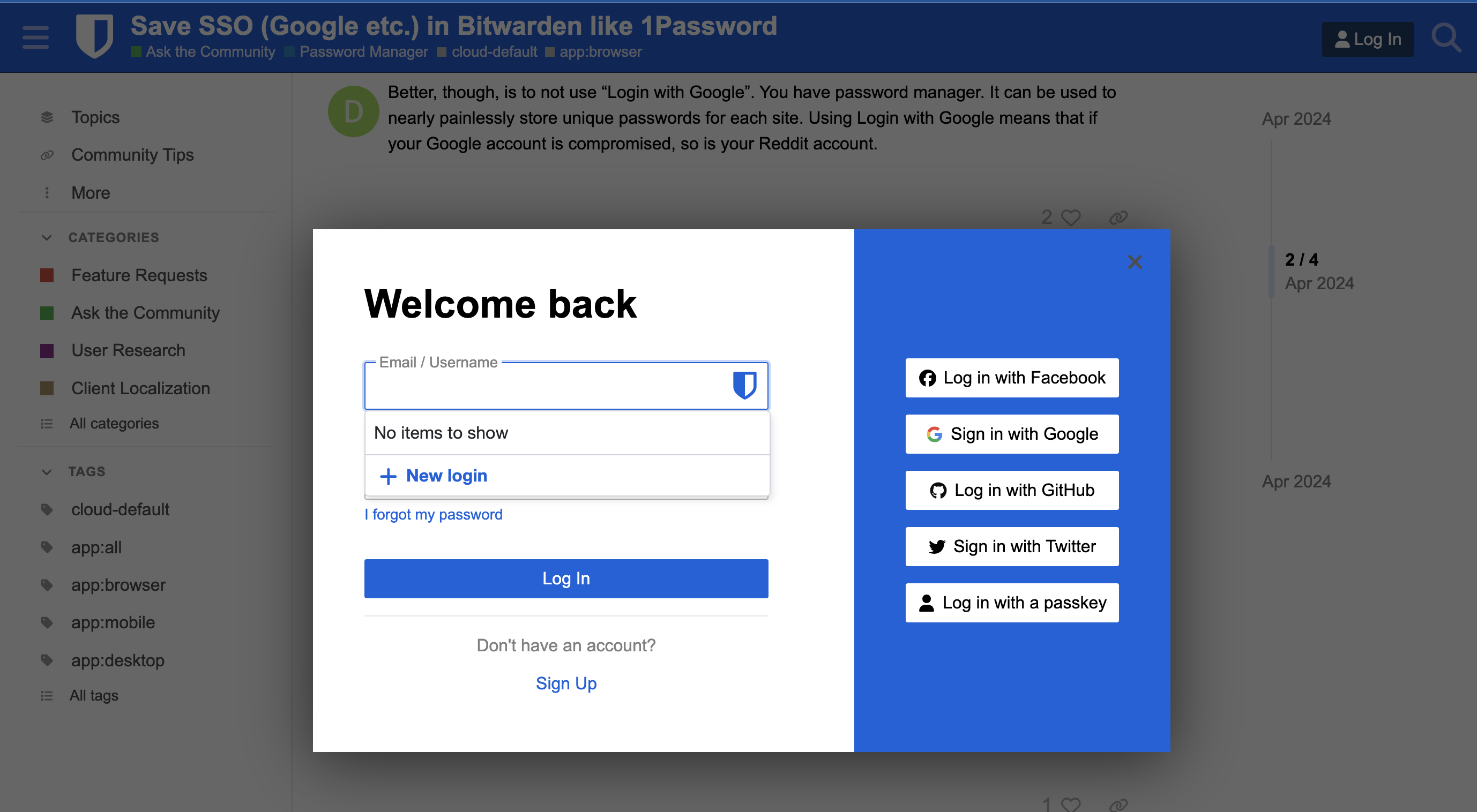
Better, though, is to not use “Login with Google”. You have password manager. It can be used to nearly painlessly store unique passwords for each site. Using Login with Google means that if your Google account is compromised, so is your Reddit account.
There is a feature request thread here, where you can vote for this.
However, as already noted by @DenBesten, using federated logins controlled by third parties is generally not a good idea. The terms of service for all such services stipulate that the company can suspend, disable, or delete your account at any time for any reason (and they do regularly use this power, as you can confirm by running a Google search on the topic). This would cause you to immediately lose access to all accounts that used this service for logging in.
I share the same observation of lack of functionality compared with 1password which my company uses.
For sure there are merits to not using SSO given we have a password manager, but it’s also the case that users may have 10s or even 100s of historical accounts where they have used SSO; it’s also the case this very community site allows SSO via multiple providers, but Bitwarden offers no native way of allowing its own users to remember that.
Appreciate @grb response leading to the feature request link, and also @DenBesten on a way to format this consistently.
Some websites allow users to log in either with traditional credentials (username + password) or via social login. I usually prefer using social login over credentials.
However, many sites offer multiple social login providers (e.g., Microsoft, GitHub, Google), and users often forget which provider they used to sign up or log in.
It would be very helpful if Bitwarden could offer a solution to this problem, such as:
Remembering which social provider was used for a particular site.
Suggesting or auto-filling the correct social login option.
Providing a way to manage or view saved social logins within Bitwarden.
This feature would save users time and reduce login confusion for sites with multiple social login options.
I’ve noticed that Bitwarden doesn’t support saving or tracking accounts that use third-party authentication (like “Sign in with Google” or “Sign in with Apple”).
Since these logins don’t use traditional passwords, Bitwarden can’t manage them directly — but it would be great if there were at least a way to mark or link such accounts.
I’m honestly surprised this hasn’t been developed yet, given how common OAuth logins are nowadays. It would really help users keep track of all their accounts in one place.
I’d like to suggest a feature that would solve a very common problem for users who sign in to websites using OAuth providers (e.g., Sign in with Google, GitHub, Apple, etc.).
Right now, Bitwarden can save traditional username/password logins, but it does not automatically detect or store which OAuth provider was used for a given site. After some time (months or years), it’s easy to forget which provider was used to sign in, and accidentally logging in with a different provider can create a second unwanted account — or expose an email we don’t want to share.
The problem
Many sites offer multiple OAuth login options.
Bitwarden does not capture this information.
After a long time, users often forget whether they originally logged in with Google, GitHub, Apple, Facebook, etc.
Manual notes or custom fields can be added, but this defeats the convenience and purpose of a password manager, and relies on the user always remembering to do it manually.
Proposed solution
Bitwarden could:
Automatically detect when a login flow uses OAuth (e.g., Google/GitHub/Apple redirect URLs, OAuth endpoints, or JavaScript SDK triggers).
Store the chosen provider in the saved login item (e.g., as a tag, a custom field, or a provider indicator).
Optionally display a reminder when returning to the site:
“You previously signed in using: Google”
Allow users to manually adjust or override the detected provider if needed.
Why this matters
Avoid creating duplicate accounts by mistake.
Improve convenience for users who regularly use OAuth.
Reduce confusion when logging in after long periods.
Makes Bitwarden more helpful for modern authentication patterns, where passwords aren’t always used.
This would be a highly useful quality-of-life improvement, and many modern sites rely heavily on OAuth for authentication. Having Bitwarden track the provider would make the login experience much smoother.
Came here to bump this. So far the only dissenting voices seem to be taking the tact that Bitwarden is a “password manager” which may have been true for a time but now it’s an identity or authentication manager. It already supports SSH and similar crypto keys and pass keys which are not just passwords anymore. Other products have already implemented this which makes this feature table stakes at this point. I work in customer service and the problem of forgotten login method is VERY common when Oauth was used. Do the right thing for everyone’s benefit Bitwarden devs, impliment this feature. Thank you.
Voting is a much more effective way of showing your support than bumping. Spend some time browsing around the community (~30 minutes) and you will be granted 20 votes. Votes are tallied up and displayed next to the title and help the request move up the popularity list.
As for dissent, I do not see many arguments being made against this feature request. Instead, the much more common theme is to offer a workaround involving the username field.